











Consumer SSDs and enterprise SSDs both use NAND flash storage, but they are designed for different workloads. A consumer SSD is generally built for personal computers, laptops, and everyday applications. An enterprise SSD is designed for more demanding environments where sustained workloads, data integrity, endurance, and predictable performance are important.
For PC builders, distributors, and OEM buyers, choosing between the two is not simply a matter of selecting the faster or more expensive drive. The right choice depends on the intended application, workload, system compatibility, endurance requirements, and total cost.
Quick Answer: What Is the Difference Between a Consumer SSD and an Enterprise SSD?
A consumer SSD is designed primarily for everyday computing, including operating systems, office applications, gaming, and general storage. An enterprise SSD is designed for heavier and more continuous workloads, such as virtualization, database operations, and business-critical storage systems.
The main differences are workload design, sustained performance, endurance, firmware features, data protection, interface options, and cost. Neither category is automatically better for every application.
1. What Is a Consumer SSD?
A consumer SSD is a solid-state drive designed mainly for personal computers, laptops, workstations, and other everyday computing devices. It uses NAND flash memory to store data and typically connects through interfaces such as SATA or PCIe NVMe.
Compared with traditional hard disk drives, consumer SSDs offer faster boot times, shorter application loading times, and better system responsiveness. They are commonly used for operating systems, software installation, gaming, document storage, and daily file transfers.
Typical consumer SSD characteristics include:
- Everyday workloads: Designed for operating systems, applications, gaming, and general file storage.
- Common interfaces: 2.5-inch SATA and M.2 NVMe are widely used.
- Cost efficiency: Designed to balance performance, capacity, and purchase price.
- Moderate workload intensity: Typically suited to intermittent and mixed read/write activity rather than continuous heavy server workloads.
- Broad compatibility: Available in formats suitable for desktops, laptops, and many OEM computer projects.
For a deeper explanation of flash memory technology, see our guide to NAND Flash: Types, Speed, Endurance, and Applications.
2. What Is an Enterprise SSD?
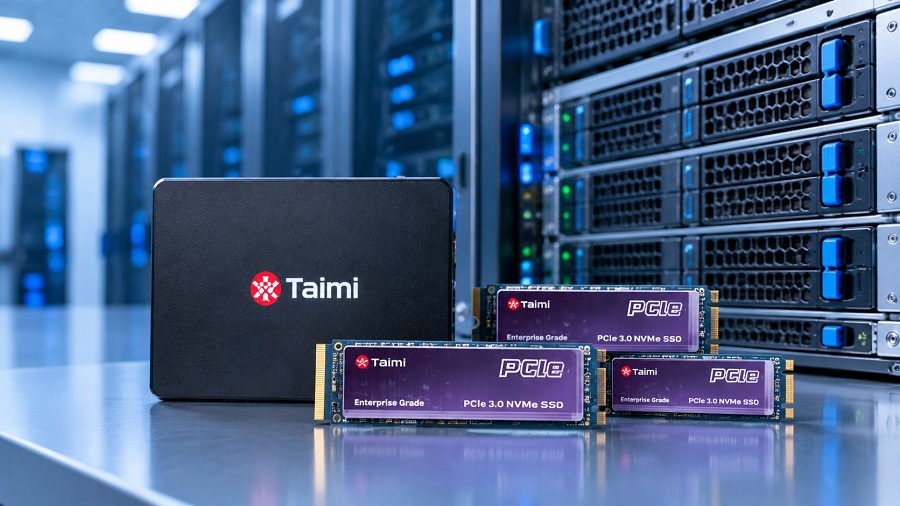
An enterprise SSD is designed for business and professional storage environments where drives may operate for extended periods under heavier or more demanding workloads. Typical applications include servers, data centers, virtualization platforms, database systems, and enterprise storage infrastructure.
Enterprise SSDs are often evaluated not only by their peak read and write speeds, but also by their ability to maintain predictable performance under sustained workloads. Depending on the model and platform, they may also provide additional firmware, monitoring, endurance, and data protection features.
Typical enterprise SSD characteristics include:
- Demanding workloads: Designed for sustained or intensive read/write operations.
- Workload consistency: May be optimized for more predictable performance under specific workloads.
- Endurance options: Models may offer different endurance ratings based on their intended workload.
- Additional features: Some models support power-loss protection, advanced telemetry, or enterprise-oriented firmware features.
- Platform requirements: Compatibility with the server, storage controller, firmware, and operating environment must be verified.
Not every enterprise SSD includes every feature listed above. Specifications vary by model, interface, manufacturer, and product design.
3. Consumer SSD vs Enterprise SSD: 7 Key Differences
The following table summarizes the typical differences between consumer and enterprise SSDs. Actual performance and features depend on the specific SSD model, NAND configuration, controller, firmware, and workload.
| Comparison | Consumer SSD | Enterprise SSD |
|---|---|---|
| 1. Workload requirements | Designed for everyday computing and general storage tasks. | Designed for demanding business workloads and continuous operation. |
| 2. Performance consistency | Balances peak performance, responsiveness, and cost. | May prioritize predictable performance under sustained workloads. |
| 3. Endurance | Generally designed around typical personal-computing write workloads. | Often available with endurance ratings suited to heavier write workloads. |
| 4. Firmware and management | Typically provides standard drive functions and health information. | May include additional monitoring, management, and workload-specific features. |
| 5. Data protection | Features vary by model; advanced power-loss protection is not universal. | Some models include power-loss protection and additional data integrity features. |
| 6. Form factors and interfaces | Commonly available as 2.5-inch SATA and M.2 NVMe drives. | May use SATA, NVMe, U.2, E1.S, or other enterprise-oriented formats, depending on the platform. |
| 7. Cost and total cost of ownership | Usually offers a lower purchase cost for personal computers and general-purpose systems. | Usually involves a higher purchase cost, which may be justified by workload and reliability requirements. |
3.1 Workload Requirements
Workload is one of the most important differences between consumer and enterprise SSDs.
Consumer SSDs are commonly used for tasks such as starting an operating system, opening applications, browsing, gaming, and transferring files. These activities often involve a mixture of read operations and intermittent writes.
Enterprise workloads can be more demanding. Database systems, virtualization environments, and server applications may generate frequent random reads and writes over long operating periods. An SSD selected for these applications must be evaluated against the actual workload rather than its interface or advertised peak speed alone.
3.2 Performance Consistency
Advertised sequential read and write speeds are useful for comparing SSDs, but they do not describe every aspect of real-world performance.
Consumer SSD performance may vary during long write operations, particularly when the drive's SLC cache is exhausted or the drive is nearly full. Enterprise SSDs may be designed to maintain more predictable performance under sustained workloads, depending on their specifications and configuration.
Buyers comparing SSD performance should consider sequential speeds, random IOPS, latency, sustained write behavior, and performance under the intended workload.
3.3 Endurance Requirements
SSD endurance describes how much data can be written to a drive over its rated service life. It is commonly expressed through TBW (Terabytes Written) or DWPD (Drive Writes Per Day), depending on the product category and manufacturer.
Consumer SSDs are generally designed for typical personal-computing workloads. Enterprise SSDs may offer higher endurance options for applications that involve frequent data writes.
A higher endurance rating is not automatically necessary for every business application. Buyers should estimate daily data writes and expected service life before selecting a drive. For more details, see SSD TBW Explained: What It Means and How It Affects SSD Lifespan.
3.4 Firmware and Management Features
Firmware controls important SSD operations, including data management, error handling, wear leveling, and communication with the host system.
Consumer SSD firmware is generally optimized for common desktop and laptop workloads. Enterprise SSD firmware may provide additional functions for monitoring, error reporting, workload management, and system integration.
These capabilities vary between models. OEM buyers should confirm the supported firmware functions and compatibility requirements before placing a bulk order. Learn more in our article about SSD Firmware and Its Impact on Performance, Compatibility, and Reliability.
3.5 Data Protection and Power-Loss Protection
Unexpected power loss can interrupt data writes and affect the integrity of information being processed. Some enterprise SSDs include power-loss protection (PLP), which is designed to help protect data in transit during an unexpected power interruption.
However, power-loss protection is not a standard feature of every enterprise SSD, and it should not be assumed to be present without checking the product specifications.
Consumer SSDs may also include internal error correction and data management mechanisms, but advanced power-loss protection is not universal. The appropriate level of protection depends on the system design and the importance of the stored data.
3.6 Form Factors and Interfaces
Consumer SSDs are commonly available in 2.5-inch SATA and M.2 NVMe formats. These interfaces are widely used in desktop computers, laptops, and many OEM systems.
Enterprise SSDs may use SATA or NVMe interfaces and can be available in additional form factors designed for server and storage platforms. The correct choice depends on the host system, drive bay, controller, protocol support, and physical installation requirements.
An SSD with higher specifications is not useful if it is incompatible with the target system. Always verify the interface, form factor, capacity support, and firmware compatibility before procurement.
3.7 Cost and Total Cost of Ownership
Consumer SSDs generally provide a more cost-effective option for personal computers, office desktops, and standard OEM projects.
Enterprise SSDs typically have a higher purchase price because they may be designed for more demanding workloads and include additional features or endurance options. For applications that require continuous operation or higher write endurance, the additional cost may be justified.
Buyers should compare more than the initial unit price. Expected service life, workload requirements, replacement frequency, system compatibility, and maintenance costs all affect the total cost of ownership.
4. Which SSD Is Right for Your Application?
The best SSD category depends on how the drive will be used. A consumer SSD can be suitable for many business systems, while an enterprise SSD may be necessary for workloads with more demanding endurance or performance consistency requirements.
| Application | Typical SSD Choice | Key Selection Consideration |
|---|---|---|
| Home and office PCs | Consumer SSD | Capacity, price, compatibility, and everyday performance. |
| Gaming desktops and laptops | Consumer SSD | NVMe performance, capacity, thermal behavior, and platform support. |
| PC assembly and system integration | Consumer SSD | Consistent specifications, compatibility, supply stability, and batch quality. |
| Office computer deployment | Consumer SSD in many standard workloads | Expected usage, daily writes, capacity, and project budget. |
| Database servers | Enterprise SSD is often considered | Random IOPS, latency, endurance, and data protection requirements. |
| Virtualization platforms | Enterprise SSD is often considered | Concurrent workloads, sustained performance, and write endurance. |
| Data center storage | Enterprise SSD | Workload profile, platform compatibility, endurance, and service requirements. |
These are general recommendations, not fixed rules. Some business computers operate well with consumer SSDs, while certain professional applications require enterprise-grade drives. The actual workload and system requirements should guide the decision.
5. How Should OEM Buyers Choose Between Consumer and Enterprise SSDs?
For OEM projects, choosing an SSD involves more than comparing product specifications. Buyers need to consider the target application, system compatibility, sample validation, manufacturing consistency, and long-term supply.
5.1 Define the Target Application
Start by identifying the device or system in which the SSD will be installed. A desktop PC, office computer, industrial workstation, and server can have very different storage requirements.
Clarify whether the drive will mainly handle everyday read/write activity or continuous, write-intensive workloads. This helps determine whether a consumer SSD is sufficient or an enterprise SSD should be evaluated.
5.2 Confirm Interface and System Compatibility
Confirm the required interface and form factor before selecting a model. Check whether the target system supports SATA or NVMe, and verify the physical size, protocol, capacity range, and boot compatibility.
For large deployment projects, test the SSD in the actual target hardware rather than relying only on general compatibility information.
5.3 Compare Specifications Under Realistic Workloads
Do not select an SSD based only on its maximum sequential read speed. Review the specifications that matter to the application, including:
- Sequential read and write speed.
- Random read and write IOPS.
- Latency and sustained write performance.
- TBW or DWPD endurance ratings, where applicable.
- Operating temperature and power consumption.
- Firmware functions and host-system compatibility.
5.4 Evaluate Endurance and Thermal Requirements
Estimate the expected daily write volume and operating hours. For systems with continuous write activity, endurance and thermal behavior deserve particular attention.
The SSD should be evaluated under conditions that reasonably reflect the final application, including expected workload intensity and operating temperature.
5.5 Verify Samples and Quality-Control Procedures
Sample testing is an important step before approving a bulk SSD order. Buyers should evaluate whether the sample meets the agreed specifications and works reliably in the intended hardware and software environment.
Depending on the project, sample validation may include:
- Capacity and interface verification.
- Sequential and random read/write performance tests.
- Compatibility testing with target motherboards or systems.
- Temperature and sustained workload testing.
- Firmware and functional checks.
- Inspection of labeling, packaging, and product identification.
Buyers should also understand the supplier's quality-control process, including incoming material inspection, production testing, final inspection, and batch traceability. For more information, see SSD Manufacturing Quality Control: Inside Taimi SMT Production Process.
5.6 Evaluate Long-Term Supply and Batch Consistency
For distributors, PC builders, and OEM customers, a suitable SSD supplier should be able to support repeat orders with consistent specifications and clearly defined product configurations.
Before confirming a project, discuss sample approval, production lead time, order quantities, packaging requirements, warranty terms, and how any component or specification changes will be communicated.
If you are comparing manufacturing models, our guide to SSD OEM vs. ODM: Which Manufacturing Model Is Right for Your Business? explains the differences and considerations for each approach.
Example: Choosing SSDs for a 500-PC Office Project
Consider an OEM buyer preparing 500 desktop computers for a standard office deployment. The systems will mainly run operating systems, office software, web applications, and business tools.
In this situation, a suitable consumer SSD may meet the performance and endurance requirements without the additional cost of an enterprise model. A PCIe 3.0 NVMe SSD or 2.5-inch SATA SSD could be evaluated depending on the motherboard interface, system configuration, and project budget.
However, if the same project involves database servers, virtualization hosts, or other systems with sustained write-intensive workloads, enterprise SSDs may be more appropriate. The final selection should be based on workload testing and the target system's requirements.
6. Taimi SSD Products and Manufacturing Capabilities
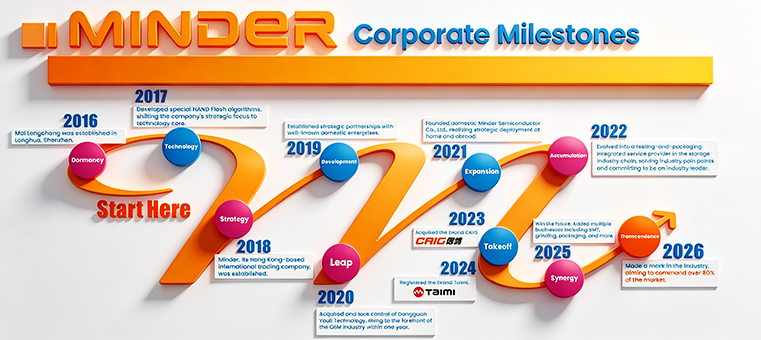
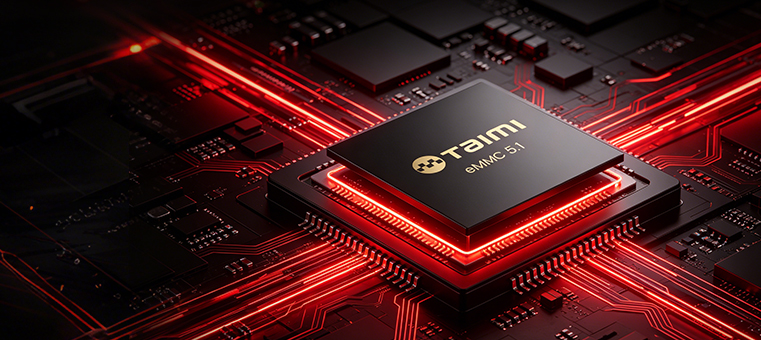
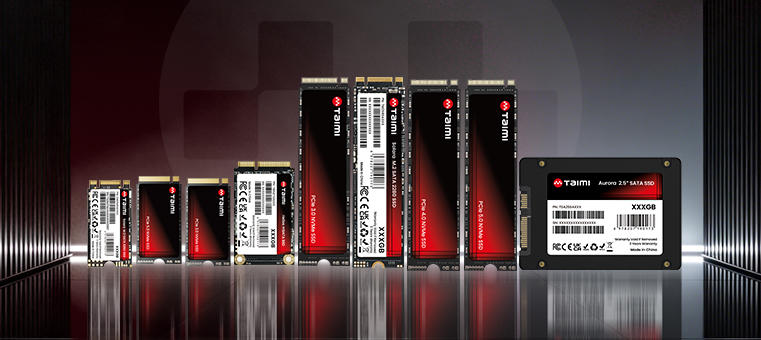
Taimi (Shenzhen Minder Semiconductor Co., Ltd.) focuses primarily on consumer-grade SSD development and manufacturing, while also producing enterprise-grade SSDs for relevant storage applications.
Taimi's main consumer SSD product lines include:
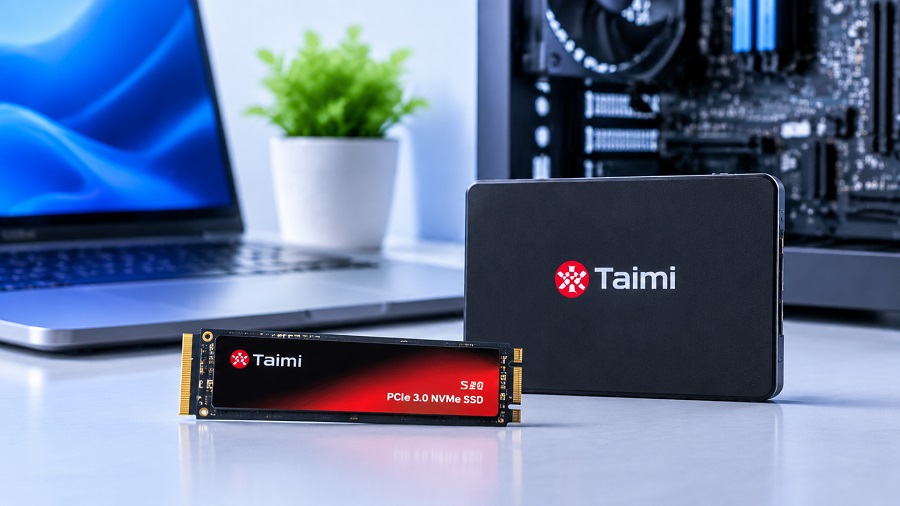
- PCIe 3.0 NVMe SSDs: Designed for desktop computers, laptops, and OEM systems that support PCIe NVMe storage.
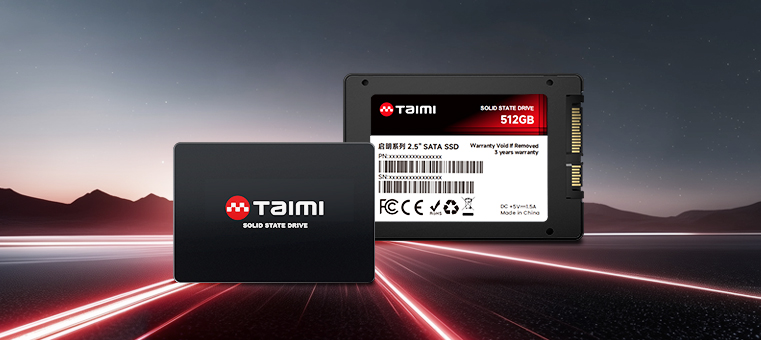
- 2.5-inch SATA SSDs: Designed for compatible desktops, laptops, and system upgrade projects that use the SATA interface.
Product selection can be based on capacity, interface, performance requirements, target hardware, and project specifications. For enterprise-grade requirements, the intended workload and required features should be confirmed for the specific model.
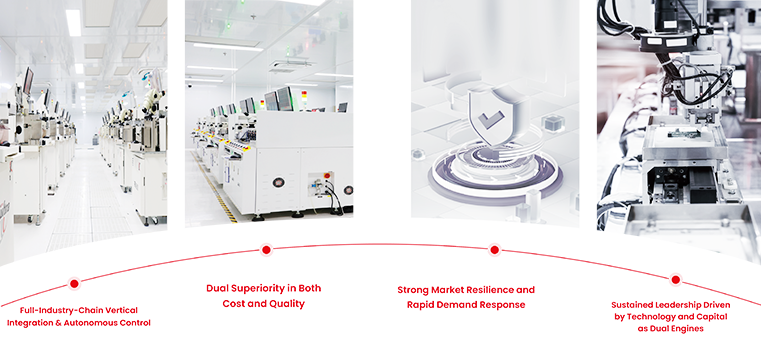
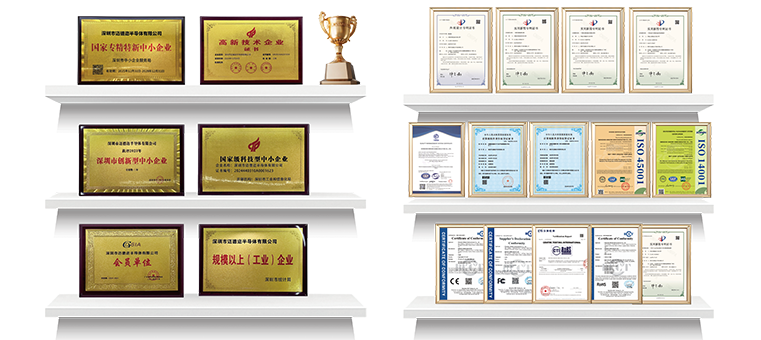
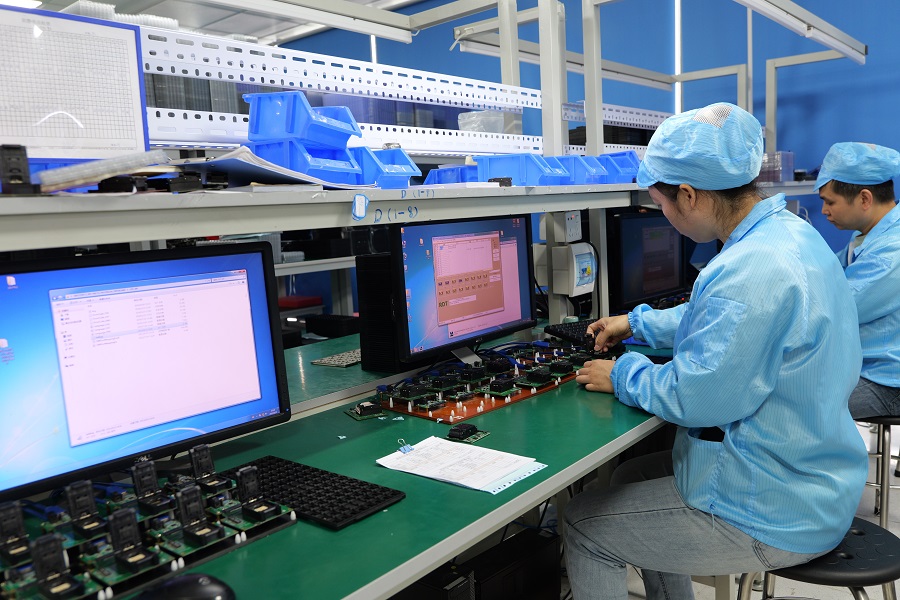
Taimi's manufacturing operations include a production facility of more than 10,000 square meters and eight automated SMT production lines. The company's SSD production capacity can reach up to 800,000 units per month, depending on product configuration and production planning.
Manufacturing and quality-control processes include material inspection, production process checks, programming, functional testing, final inspection, labeling, and packaging. Product validation requirements can be discussed according to the project and agreed specifications.
Taimi supports PC builders, distributors, and OEM customers with SSD product selection, sample evaluation, and bulk procurement requirements. Selected SSD models are backed by a three-year warranty, subject to the specific product specifications and agreement.
Looking for a Reliable SSD Supplier for Your Project?
Discuss PCIe 3.0 NVMe SSDs, 2.5-inch SATA SSDs, sample testing, product specifications, and bulk procurement requirements with the Taimi team.
Contact Taimi for SSD Solutions7. Frequently Asked Questions
1. What is the main difference between a consumer SSD and an enterprise SSD?
The main difference is the workload each category is designed to handle. Consumer SSDs are primarily designed for personal computers and everyday applications, while enterprise SSDs are designed for more demanding business workloads that may require higher endurance, predictable performance, and additional management or data protection features.
2. Can a consumer SSD be used in a server?
A consumer SSD may work in some servers if the interface, form factor, firmware, and workload requirements are compatible. However, it may not provide the endurance, sustained performance, or additional protection features required by certain server applications. Always verify the server platform and workload before deployment.
3. Are enterprise SSDs faster than consumer SSDs?
Not necessarily. Some consumer SSDs can offer higher advertised sequential speeds than certain enterprise models. Enterprise SSDs may instead prioritize consistent performance, endurance, and workload handling. The correct comparison depends on the specific models and the workload being tested.
4. Do enterprise SSDs last longer than consumer SSDs?
Enterprise SSDs often offer higher endurance options for write-intensive workloads, but service life depends on the actual model, NAND type, workload, operating conditions, and rated TBW or DWPD. Buyers should compare endurance specifications rather than assume that every enterprise SSD will last longer than every consumer SSD.
5. Are consumer SSDs suitable for OEM bulk orders?
Yes. Consumer SSDs are widely used in OEM desktop, laptop, and PC assembly projects. Buyers should evaluate system compatibility, sample performance, quality-control procedures, batch consistency, supply capacity, and warranty terms before approving bulk production.
6. What should OEM buyers check before purchasing SSDs in bulk?
OEM buyers should confirm the SSD interface, form factor, capacity, performance, endurance, firmware compatibility, and target-system requirements. They should also test samples, review the supplier's quality-control process, and clarify production lead time, packaging, warranty, and long-term supply arrangements.
8. Conclusion
Consumer SSDs and enterprise SSDs serve different storage requirements. Consumer SSDs are generally a cost-effective choice for personal computers, office systems, gaming devices, and many OEM projects. Enterprise SSDs are more suitable for applications that require specific endurance levels, sustained workload performance, or additional data protection and management features.
For OEM buyers and distributors, the right choice should be based on the actual workload, system compatibility, endurance requirements, sample testing, and long-term supply needs—not simply the product category or advertised speed.
Taimi focuses primarily on consumer SSD manufacturing, with PCIe 3.0 NVMe and 2.5-inch SATA SSDs as its main product lines, while also producing enterprise-grade SSDs for relevant applications. Contact the Taimi team to discuss product specifications, sample testing, and bulk procurement requirements.
Discuss Your SSD Procurement Requirements
Contact Taimi to explore SSD options for PC building, distribution, and OEM projects.
Send an Inquiry