



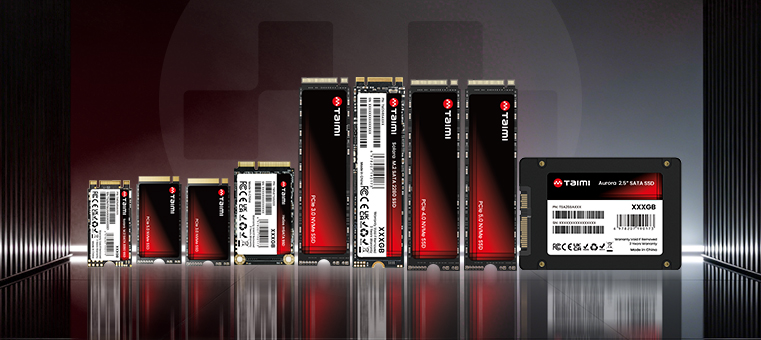





Choosing an SSD isn’t just about sequential read speed or price per gigabyte. Capacity has a direct impact on how you use your PC every day—from how many applications and games you can keep installed to how much room you have for photos, videos, projects, and other files.
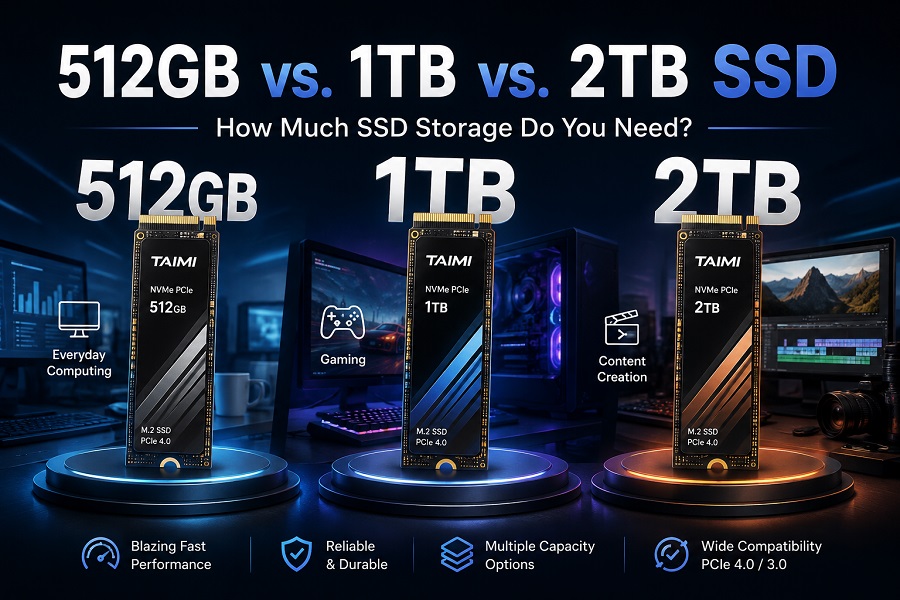
For many modern PCs and laptops, 512GB, 1TB, and 2TB are common capacity choices.
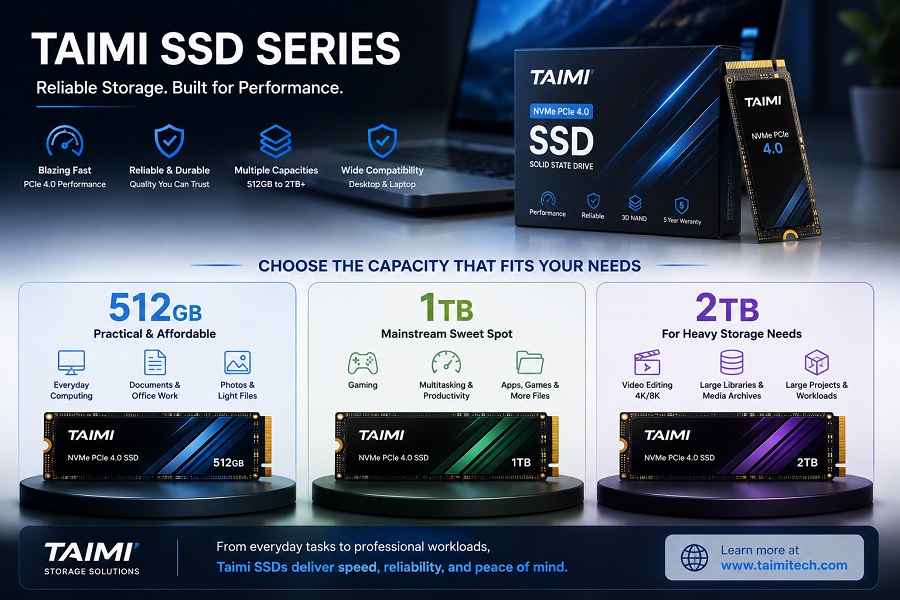
- 512GB is a practical starting point for basic office and everyday computing.
- 1TB offers a balanced combination of capacity, cost, and flexibility for many mainstream systems.
- 2TB is better suited to users with large game libraries, media projects, or substantial local storage requirements.
So, how much SSD storage do you actually need? The answer depends less on the SSD itself and more on how you use your computer, how much data you keep locally, and whether your system can be upgraded later.
Quick Answer: Which SSD Capacity Should You Choose?
| SSD Capacity | Best For | Typical Workloads |
|---|---|---|
| 512GB | Basic PCs and budget builds | Web browsing, Office applications, documents, everyday computing |
| 1TB | Mainstream PCs and general-purpose systems | Gaming, productivity, daily computing, multitasking |
| 2TB | Heavy storage users | Large game libraries, video editing, media archives, large project files |
As a general rule:
- Choose 512GB if your PC is mainly used for office work, browsing, and lightweight applications and you want to keep the initial system cost down.
- Choose 1TB if you are building a mainstream PC, gaming system, or everyday laptop and want a comfortable amount of storage for long-term use.
- Choose 2TB if you regularly work with large files, maintain a large game library, or have limited opportunities to add another drive later.
For many mainstream PC users, 1TB is a practical balance between capacity, cost, and long-term flexibility. If you are comparing capacity alongside interface, performance, and application requirements, see our SSD Buying Guide 2026.
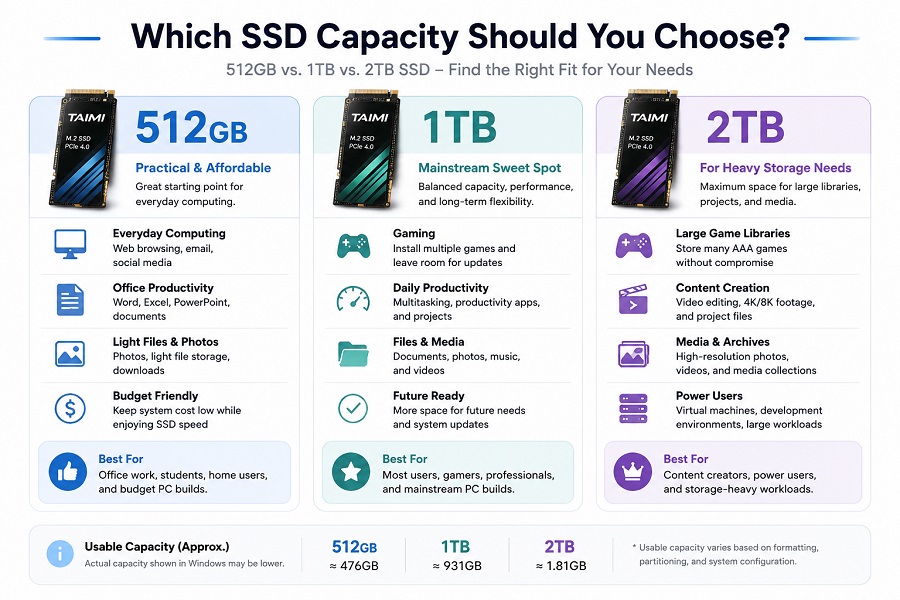
How Much Usable Storage Do You Actually Get?
The capacity printed on an SSD is its rated decimal capacity. However, the amount of storage reported by an operating system will be lower. For example, a newly formatted SSD may show approximately:
| Rated Capacity | Approx. Capacity Reported by Windows* |
|---|---|
| 512GB | ~476GB |
| 1TB | ~931GB |
| 2TB | ~1.81TB |
*The exact usable capacity can vary depending on formatting, partitioning, system-reserved space, and operating-system configuration. This is normal and does not mean that the SSD is defective or missing storage.
512GB vs. 1TB vs. 2TB SSD: Detailed Comparison
512GB SSD: A Practical Budget Option
A 512GB SSD can be a sensible choice when the main goal is to provide fast system storage while keeping the overall PC cost under control.
Best for: Windows and essential applications, Office productivity, web browsing, basic home computing, light photo storage, budget-oriented OEM systems.
The main limitation is available space. Operating-system files, applications, updates, games, temporary files, and personal data can gradually consume storage. For users who install many applications or keep large files locally, 512GB can become restrictive over time.
Verdict: Choose 512GB when your workload is relatively light and keeping the initial system cost low is important.
1TB SSD: The Mainstream Sweet Spot
From a storage manufacturer's perspective, 1TB provides a practical balance for a wide range of modern PC configurations, offering substantially more working room than 512GB.
Best for: General-purpose desktop PCs, mainstream laptops, gaming PCs, office workstations, daily productivity, mainstream OEM systems.
A 1TB SSD gives users enough room for the operating system, applications, games, documents, and other frequently used files while reducing the need for constant storage management.
Verdict: If you are unsure whether 512GB will be enough, 1TB is usually the more flexible starting point.
2TB SSD: For Storage-Heavy Workloads
A 2TB SSD makes more sense when the amount of locally stored data is a major consideration.
Best for: Large game libraries, video editing, photography and media production, large project files, local media collections, virtual machines and development environments.
The main trade-off is cost. If you only use a few hundred gigabytes, the additional capacity may provide little practical benefit.
Verdict: Choose 2TB when your workload regularly requires more local storage or when your system has limited expansion options.
How Much SSD Storage Do You Need for Different Uses?
For Office and Everyday Computing
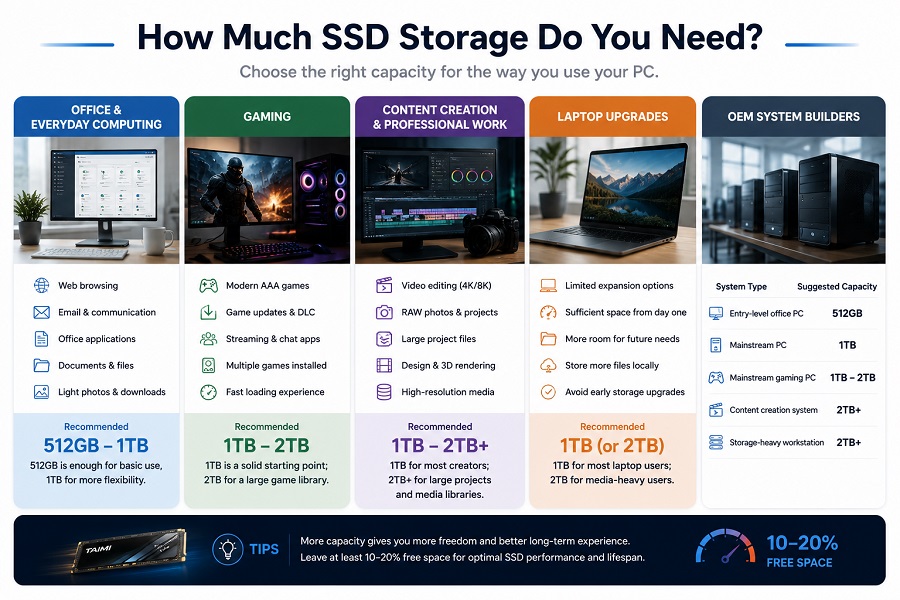
For basic tasks, 512GB can be sufficient. However, if the system is expected to remain in use for several years, 1TB provides additional flexibility for file accumulation.
Recommended: 512GB–1TB
For Gaming
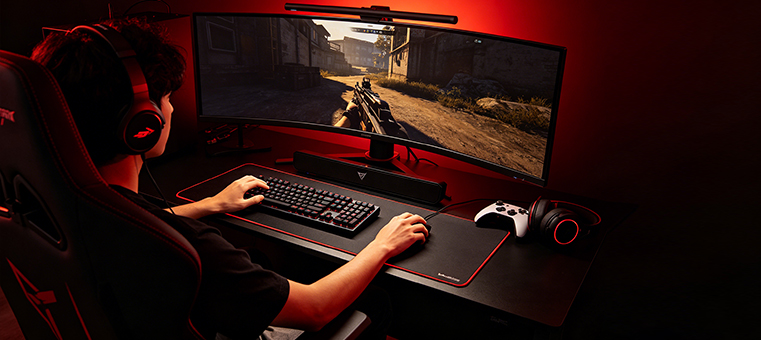
Modern AAA games can occupy well over 100GB per title. A 512GB SSD can work for a small game library, but gamers who regularly install multiple large titles will benefit from additional capacity.
Recommended: 1TB–2TB (1TB is a solid starting point; 2TB suits players wanting a large, permanent library).
For Video Editing and Content Creation
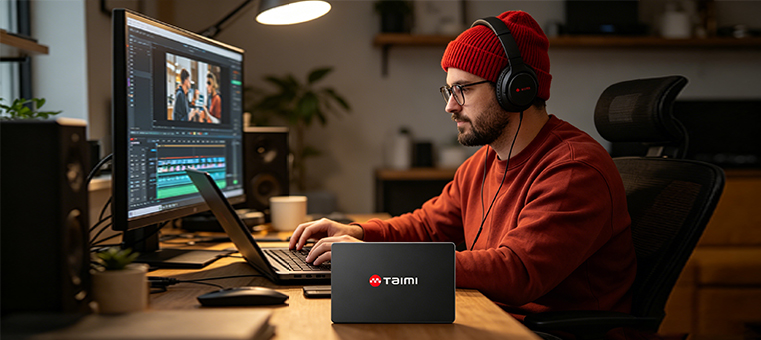
Raw footage, project files, and application caches consume storage quickly. For these workloads, capacity must be weighed alongside sustained write performance, controller architecture, and thermal management. For more technical details, see our guide on How SSD Controllers Work.
Recommended: 1TB–2TB+
For Laptop Upgrades
Because some laptops have limited storage expansion options, choosing sufficient capacity initially can reduce the need for a future upgrade. Before purchasing an SSD, also make sure its form factor, interface, and protocol are compatible with your laptop, as explained in our M.2 SSD Compatibility Guide.
Recommended: 1TB (or 2TB for media-heavy laptop users)
For OEM System Builders
| System Type | Suggested Capacity |
|---|---|
| Entry-level office PC | 512GB |
| Mainstream PC | 1TB |
| Mainstream gaming PC | 1TB–2TB |
| Content creation system | 2TB+ |
| Storage-heavy workstation | 2TB+ |
Does a Larger SSD Mean Better Performance?
Not necessarily. Capacity and performance are separate specifications. Real-world SSD performance depends on factors such as NAND Flash configuration, controller architecture, DRAM or DRAM-less design, SLC cache implementation, and thermal management.
Why You Should Avoid Running an SSD Nearly Full
SSD controllers continuously manage data through processes such as garbage collection and wear leveling. Running an SSD nearly full leaves less available space for internal data management and can affect sustained write performance under some workloads.
Frequently Asked Questions
Is 512GB SSD enough for Windows?
Yes. A 512GB SSD is generally sufficient for Windows and everyday productivity, provided you do not store a large amount of media or many large games locally.
Is 1TB SSD enough for gaming?
1TB is a great mainstream baseline, though avid gamers with extensive libraries often prefer 2TB.
Is a 2TB SSD worth it?
Yes, if you handle large media files, rendering projects, or extensive game rotations; otherwise, lower tiers may suffice.
Is a 1TB SSD faster than a 512GB SSD?
Not automatically. Performance is dictated by controllers, NAND layout, and cache implementation rather than size alone.
Does a larger SSD last longer?
Not inherently. SSD endurance depends on factors such as NAND type, controller design, rated TBW, write workload, and drive architecture. Capacity alone does not determine how long an SSD will last.